One sentence
32 wordsLocal Dictation is a private voice-to-text app for iPhone, iPad and Mac that turns your voice into text right on your device, in any app, with no account and no internet needed.
For journalists, reviewers and creators
Local Dictation turns your voice into text on iPhone, iPad and Mac, with the speech model built into the app: it works offline, and nothing you say is uploaded.
Press contact: support@localdictation.net · Facts checked on 11 November 2026
The short version, for a fact box.
| What it is | A private voice-to-text app for iPhone, iPad and Mac. A keyboard lets you dictate in any app on iPhone and iPad; on a Mac you hold a key and talk. Speech recognition runs entirely on the device. |
|---|---|
| Name | Local Dictation (on the App Store: Local Dictation: Voice to Text). |
| Maker | Sebastian Škoić, a solo developer, also known as the tech creator Sebs_Tech. |
| Country | Slovenia |
| First release | 2 November 2026, on the App Store |
| Current version | 1.7.1 (iPhone and iPad), 1.0.1 (Mac) |
| Requirements | iOS 26 or iPadOS 26 or later, or a Mac with Apple silicon and macOS 26 or later. |
| Languages | Dictation in more than 90 languages. The app itself is in 30 languages on iPhone and iPad and 28 on Mac. |
| Prices | Typing is free. Local Dictation Pro: Monthly with the first week free, or a one-time Lifetime purchase; one purchase covers iPhone, iPad and Mac. Prices vary by country; the App Store shows them. No ads. |
| Category | Productivity, with Utilities second. Rated 4+. |
| Get it | Local Dictation on the App Store |
Use them as they are or cut them down.
Local Dictation is a private voice-to-text app for iPhone, iPad and Mac that turns your voice into text right on your device, in any app, with no account and no internet needed.
Local Dictation turns your voice into text on your iPhone, iPad or Mac. Its keyboard lets you dictate in any app on iPhone and iPad, and on a Mac you hold one key and talk. The speech model is built into the app, so it works in airplane mode and nothing you say is uploaded. More than 90 languages, no account, no ads.
Local Dictation is a voice-to-text app for iPhone, iPad and Mac made by solo developer Sebastian Škoić in Slovenia. Speech recognition runs entirely on the device: the speech models are built into the app, the app blocks its own internet access, and each recording is deleted as soon as it is transcribed. On iPhone and iPad its keyboard dictates into any app; on a Mac you hold a key, talk and let go. It handles more than 90 languages, keeps clipboards for each topic and, on iPhone and iPad, can translate as you speak (Pro) and remembers your corrections. It has no account, no analytics and no ads.
Please write the name as Local Dictation. Some apps and password fields only allow Apple’s keyboard; there, dictate in the app and paste.
Tap an image for the full-size PNG. These come from the App Store screenshots.
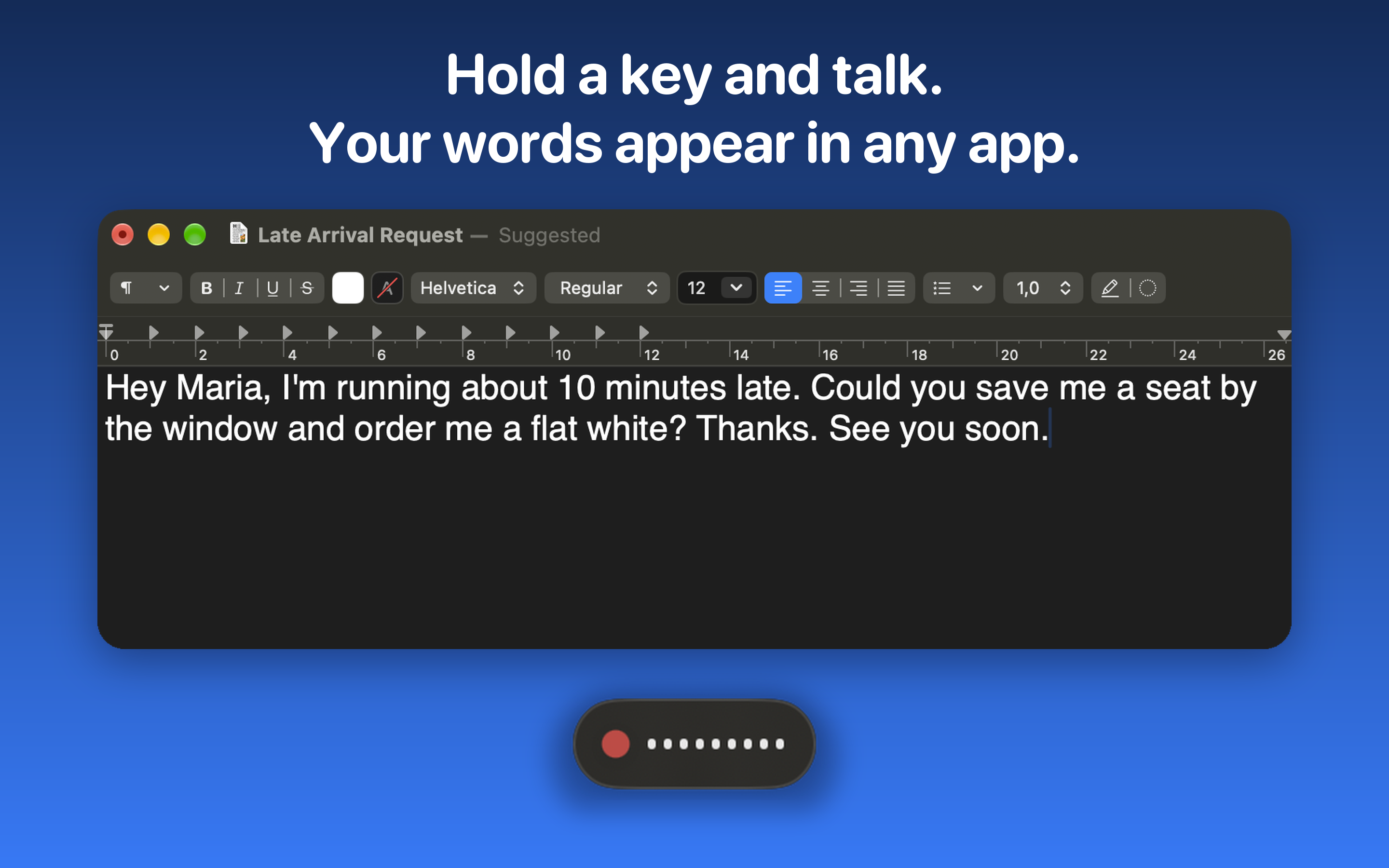
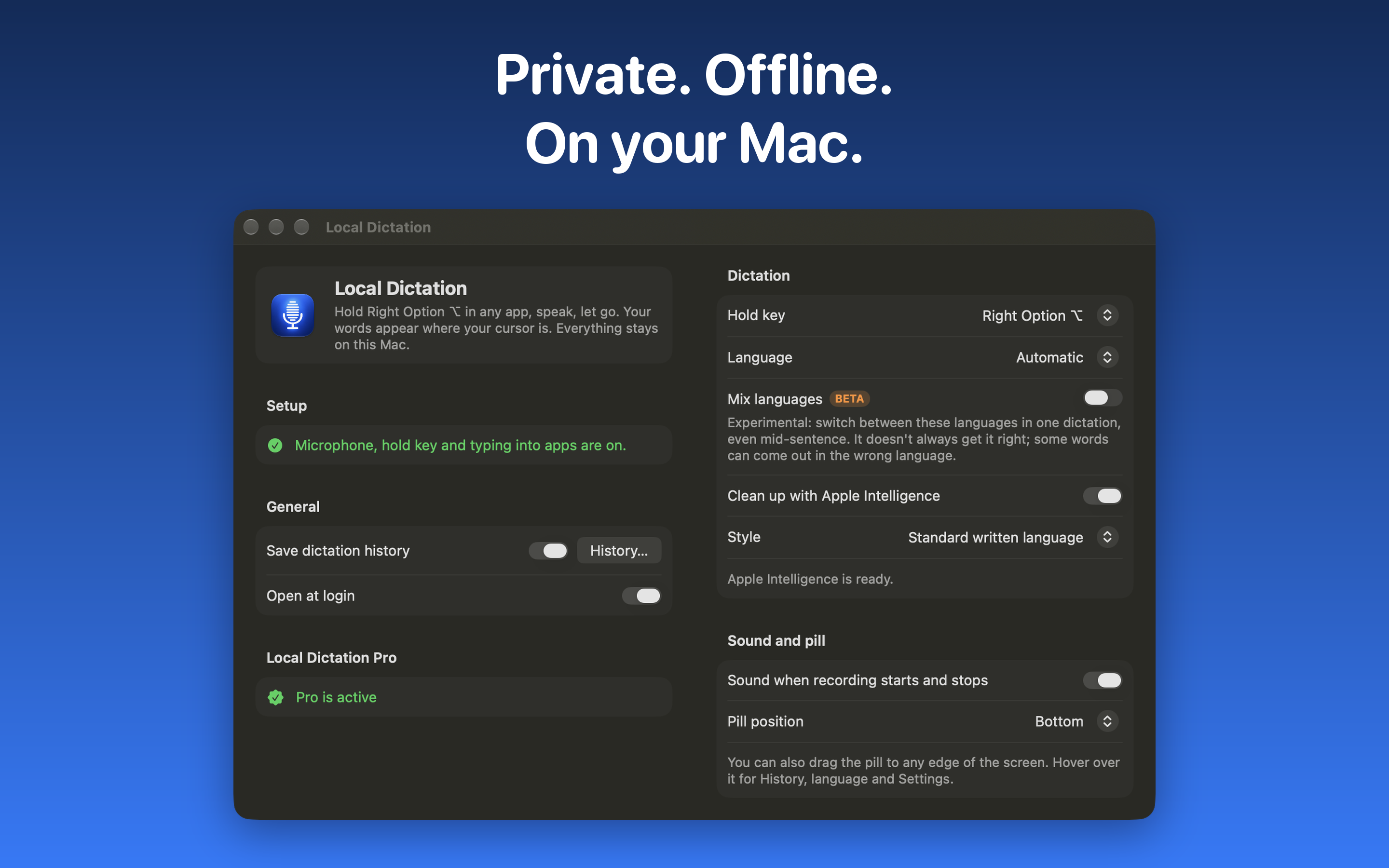
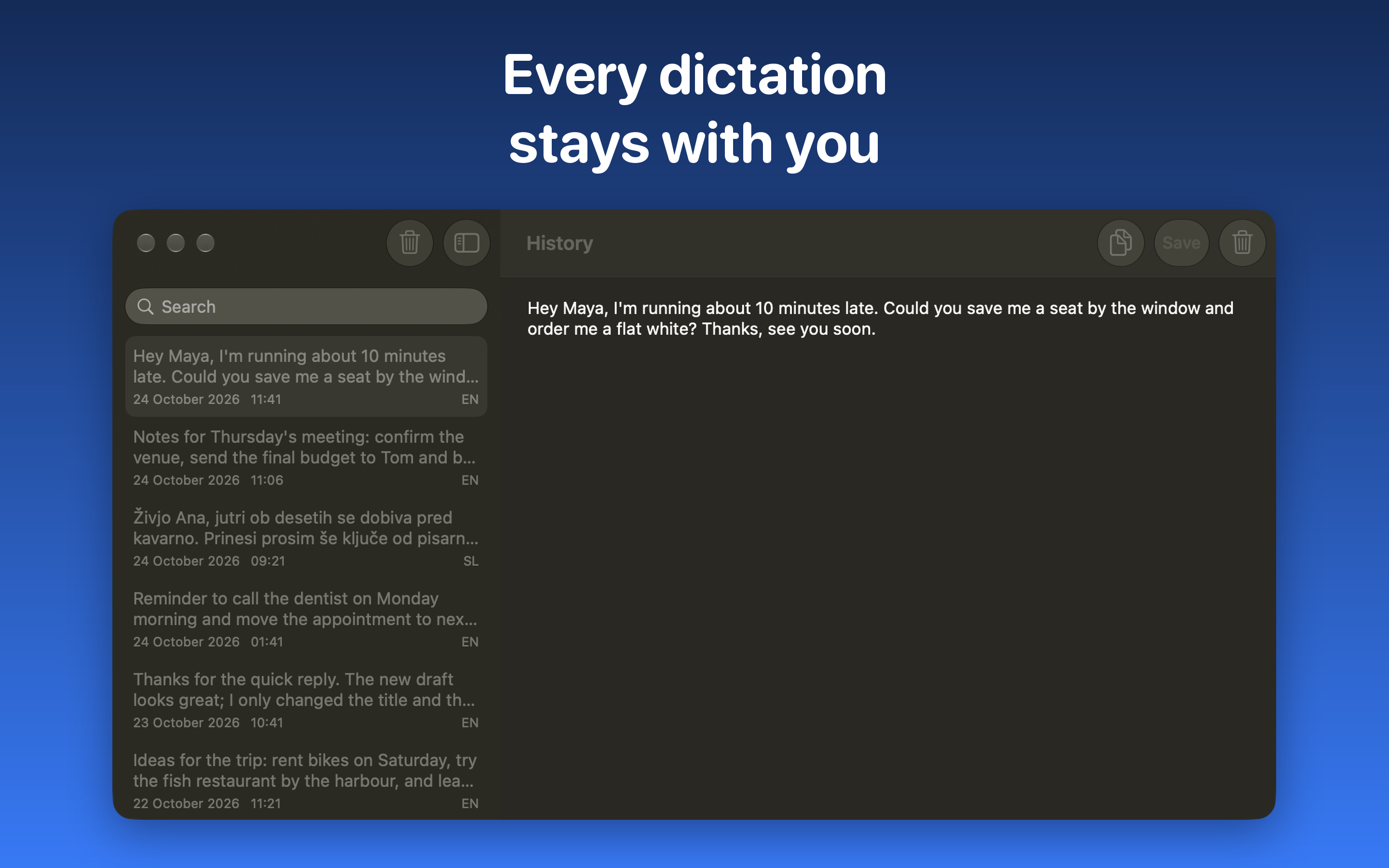
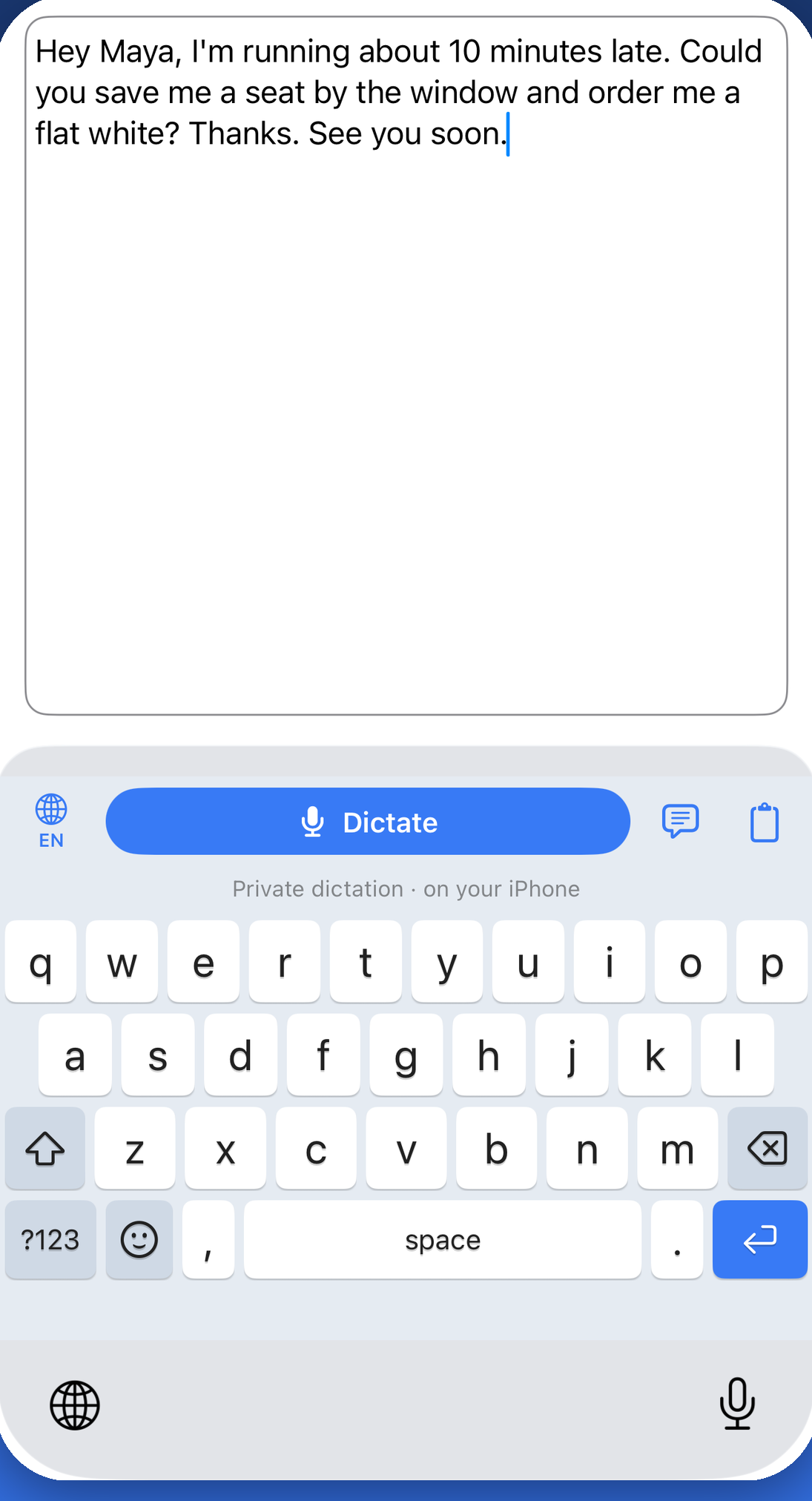
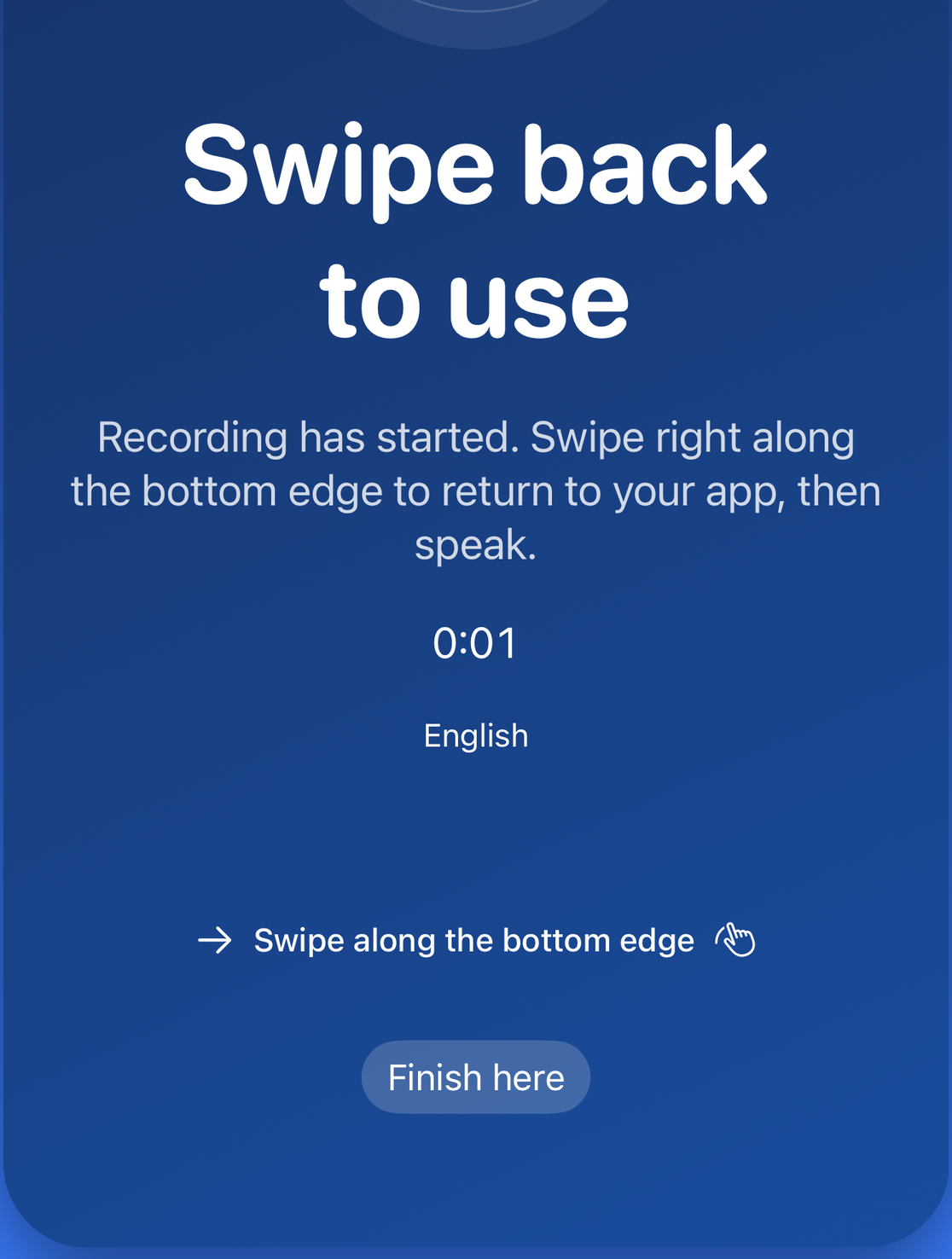
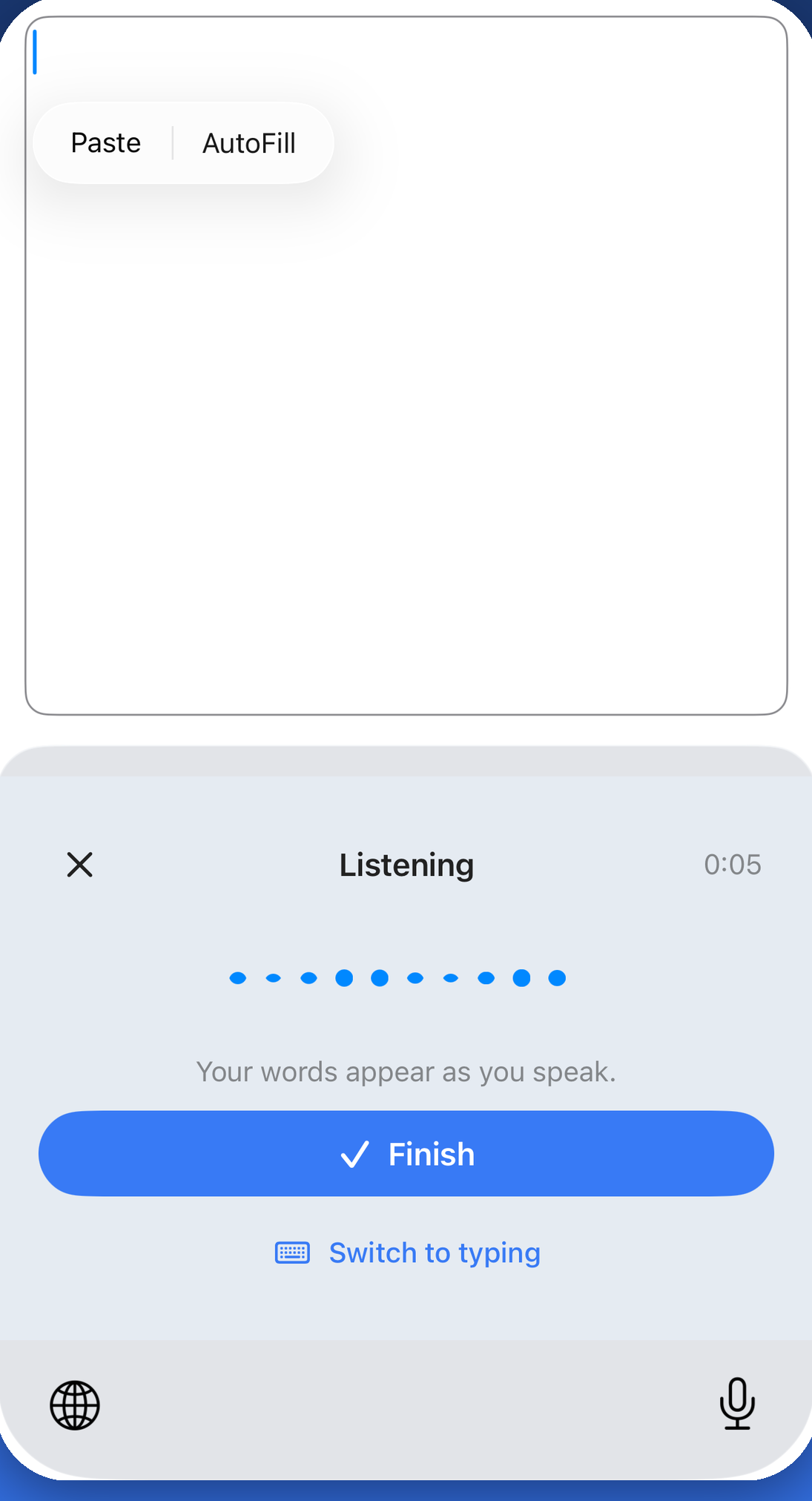
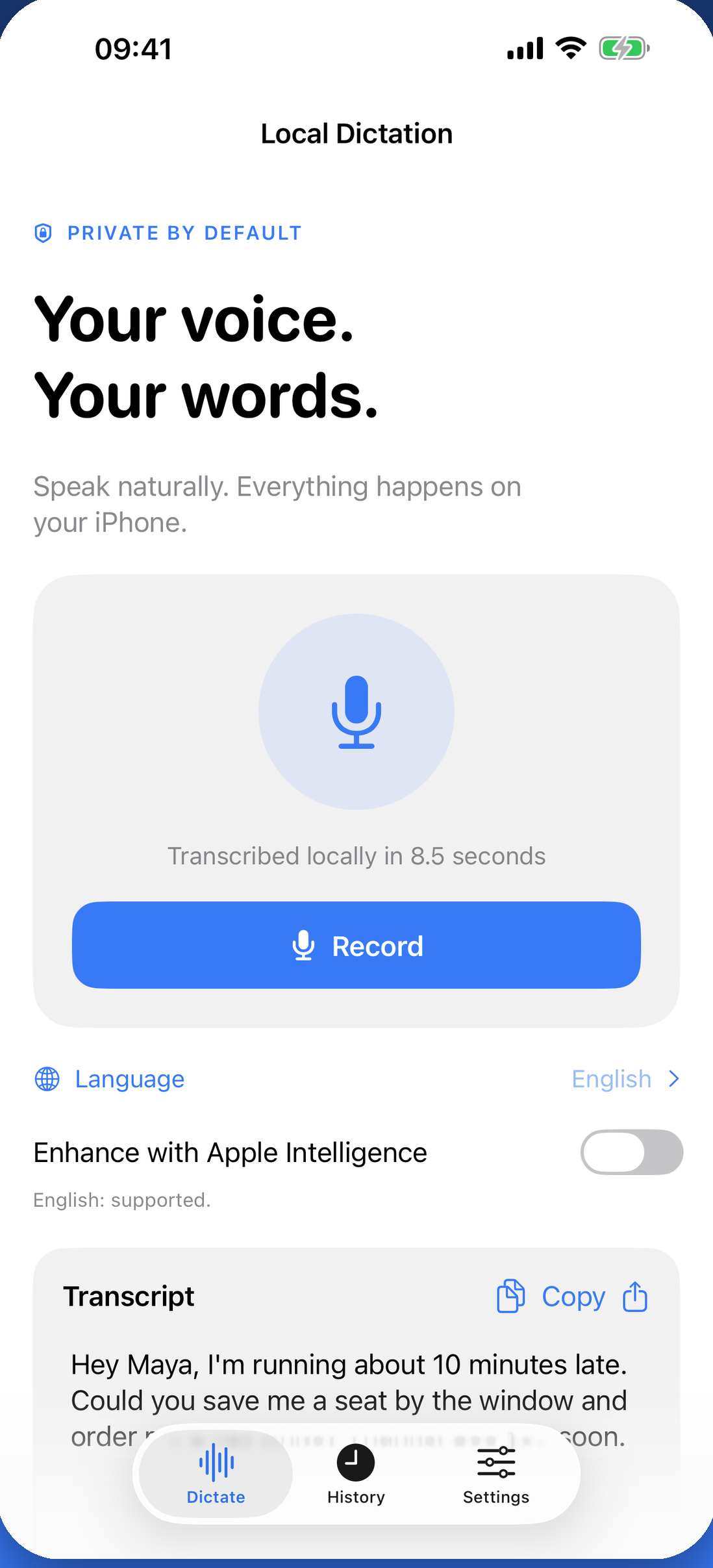
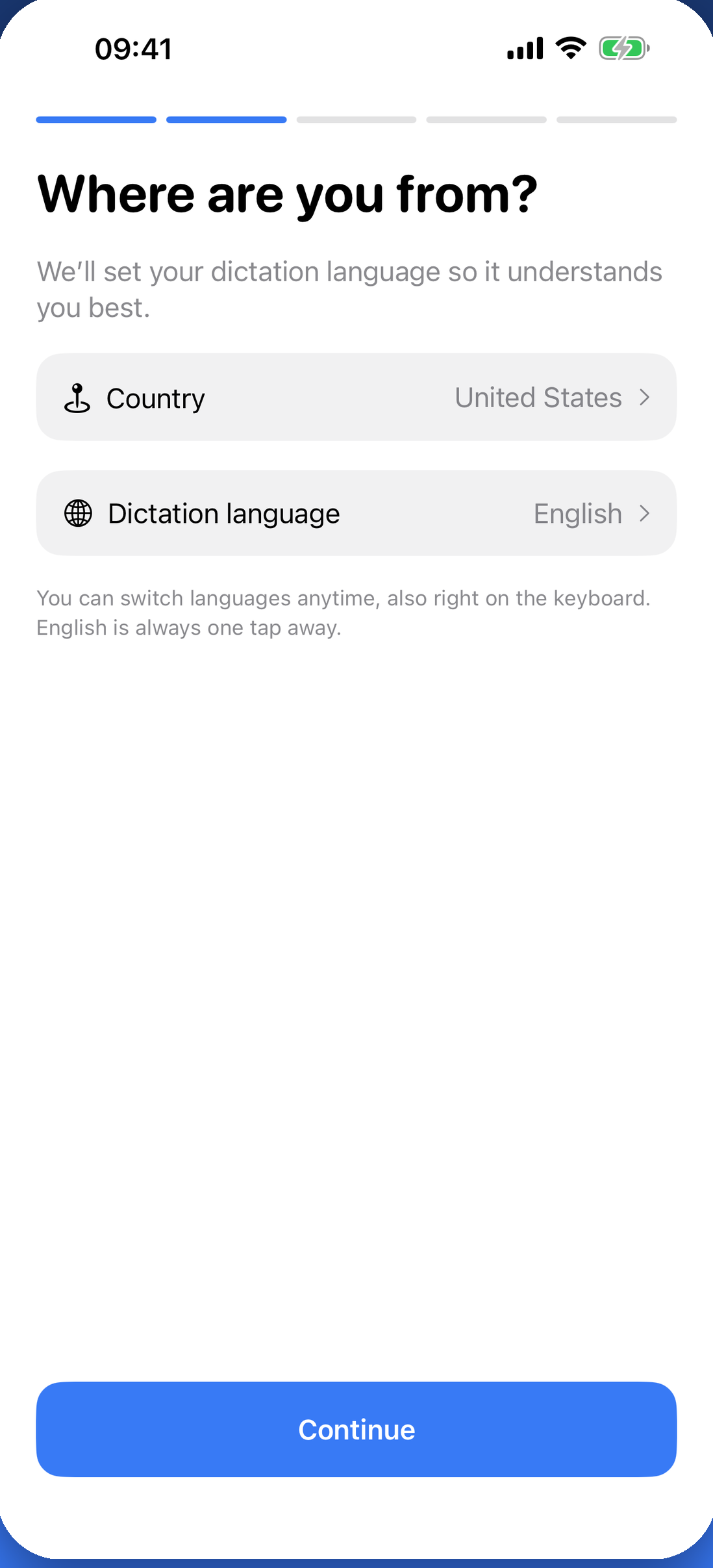
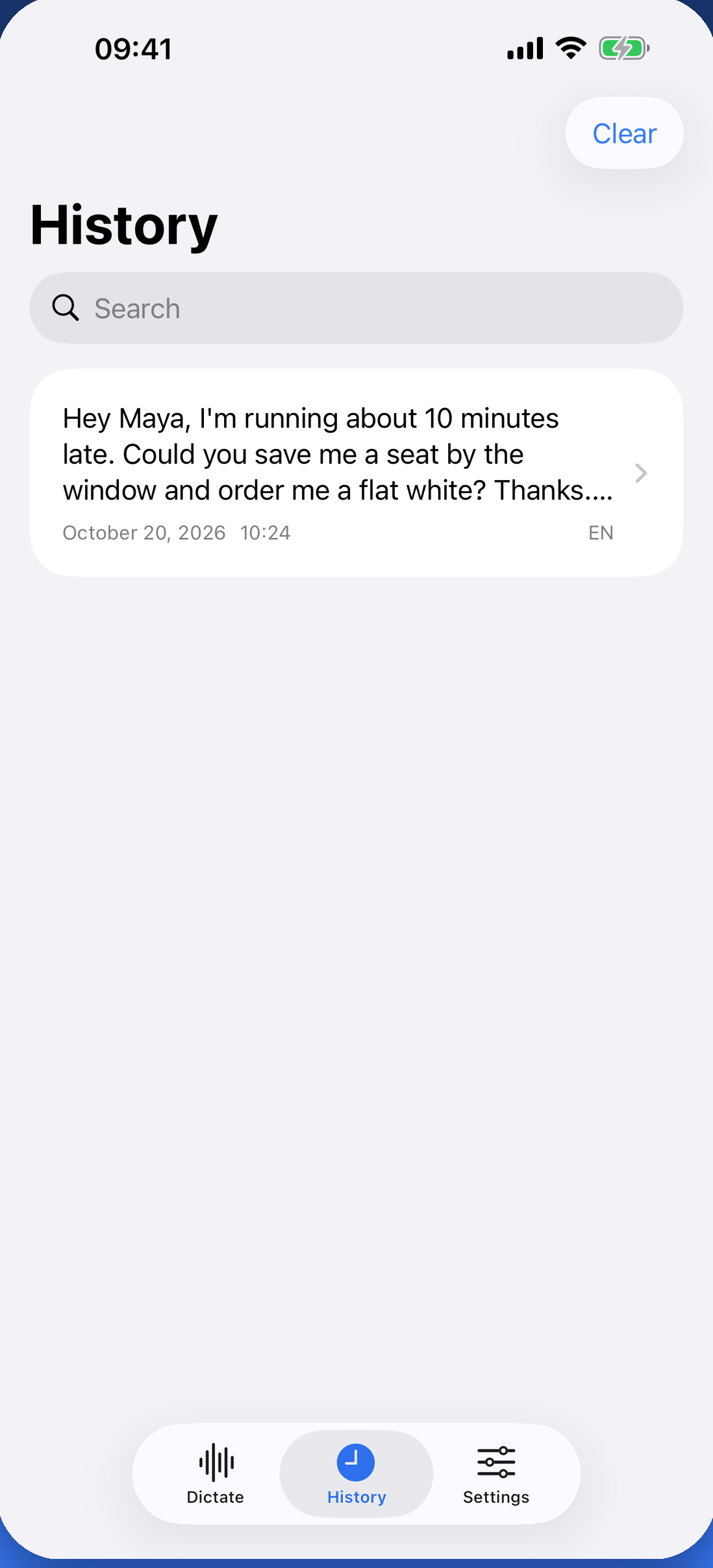
You may use these images in coverage of Local Dictation.
Please don’t recolor, crop, stretch or add effects to the icon.
There is no separate wordmark. Write the name as Local Dictation.

Sebastian Škoić is a solo app developer from Slovenia and the tech creator behind Sebs_Tech, with more than 30,000 followers across TikTok, Instagram and YouTube. He designed, built and ships Local Dictation on his own: the iPhone and iPad app, its keyboard, the Mac app and the website.
Contact: support@localdictation.net · Photo: JPG, 1080 × 1080, 243 KB
Questions, review access or anything missing from this page: Sebastian answers his own email.
iPhone, iPad, Mac and App Store are trademarks of Apple Inc. Local Dictation is not affiliated with Apple.
Facts checked on 11 November 2026.